Introduction
Canonical URLs are very important for SEO.
They help search engines understand which page version should rank when similar or duplicate pages exist.
If canonical URLs are not set correctly, your website can face:
- Duplicate content issues
- Ranking loss
- Wasted crawl budget
In this guide, you’ll learn canonical URLs in simple words, with clear examples and easy solutions.
What Is a Canonical URL?
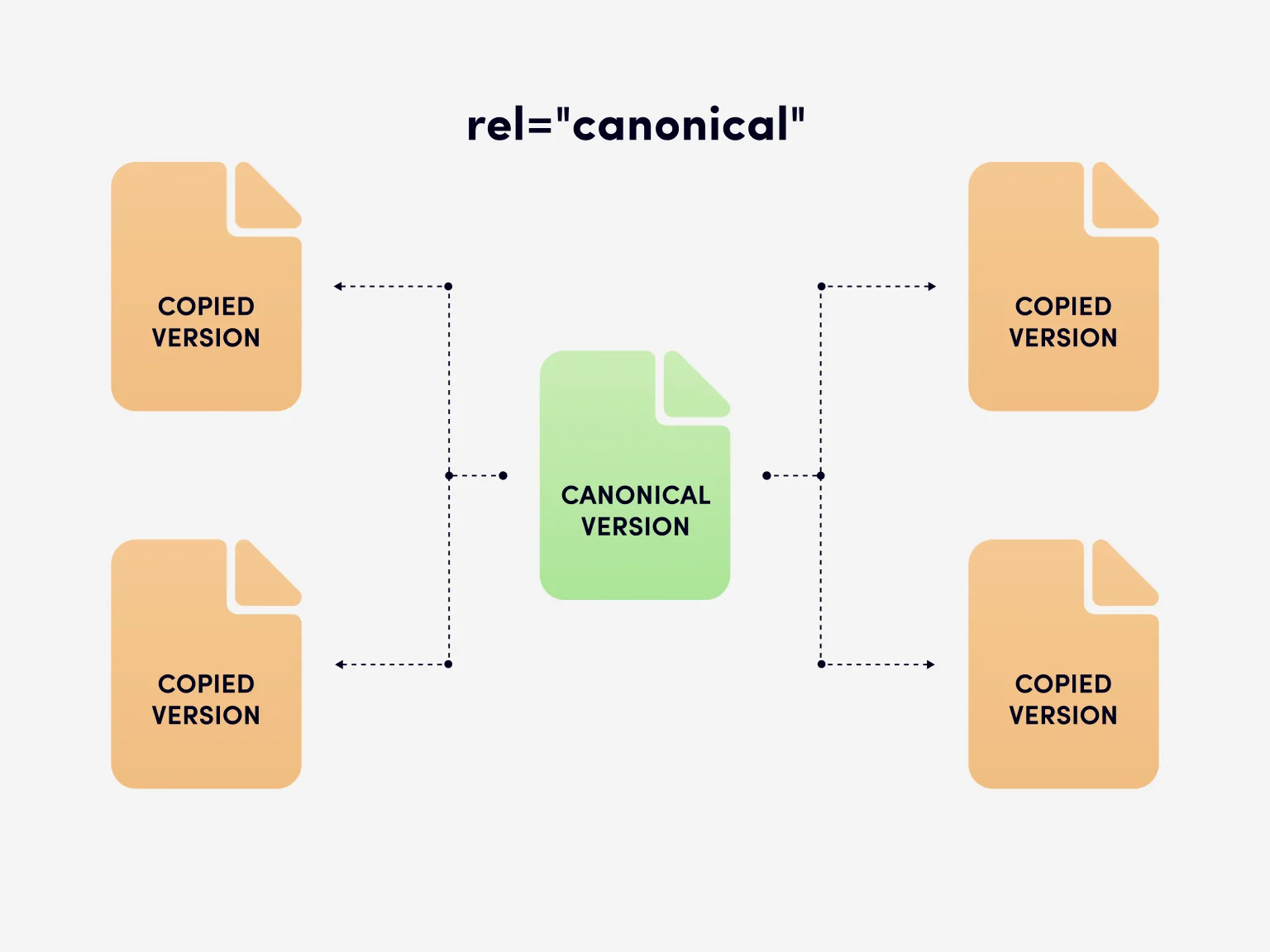
A canonical URL is the main version of a webpage that search engines like Google choose to index and rank.
Example
These two URLs may show the same content:
👉 The canonical URL should be:
https://example.com/blog/
Google will focus on the canonical URL and ignore the duplicate version in search results.
Why Canonical URLs Are Important for SEO
Canonical URLs help you:
- ✅ Avoid duplicate content problems
- ✅ Tell Google which page to rank
- ✅ Combine link power into one page
- ✅ Improve crawl efficiency
- ✅ Keep search results clean
Without canonicals, Google may choose the wrong page to rank.
How Canonicalization Works
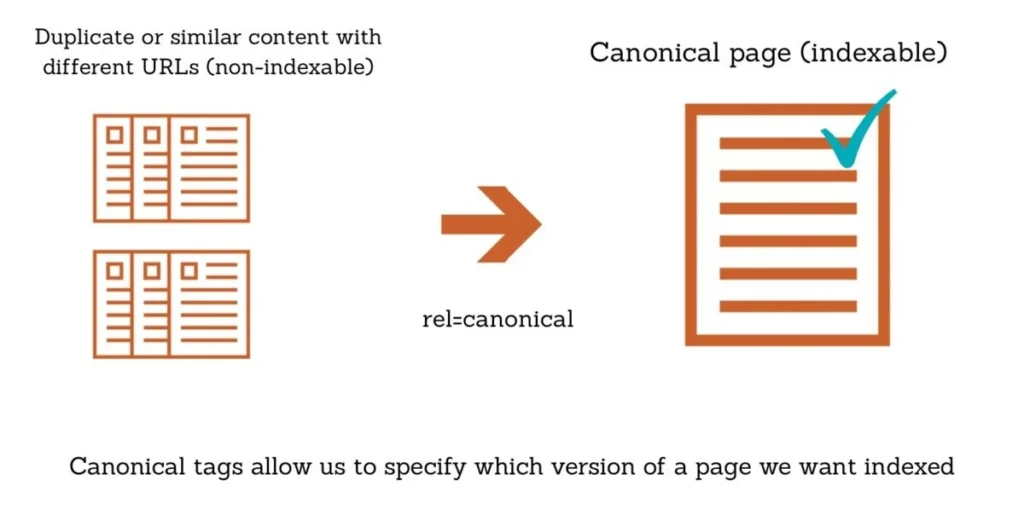
Canonicalization means selecting one main URL from multiple similar URLs.
Google uses several signals, such as:
- HTTPS vs HTTP
- Redirects
- Canonical tags
- Sitemap URLs
- Internal linking
Even if you set a canonical, Google may still choose a different one if signals are confusing.
Common Reasons Duplicate URLs Are Created
Duplicate URLs usually happen because of:
- HTTP and HTTPS versions
- www and non-www versions
- Trailing slash differences
- URL parameters (?utm, ?sort)
- Pagination (?page=2)
- Session IDs
- Mobile URLs (m.example.com)
Knowing these helps you fix issues correctly.
What Is a Canonical Tag?
A canonical tag is an HTML tag that tells search engines which URL is preferred.
Canonical Tag Example
<link rel="canonical" href="https://example.com/blog/" />
This tag must be placed inside the <head> section of your page.
How Canonical Tags Work
If multiple URLs show the same content, add the canonical tag pointing to the main page.
Example
Duplicate page:
https://example.com/product/blue?sort=price
Canonical page:
https://example.com/product/blue
Canonical tag:
<link rel="canonical" href="https://example.com/product/blue" />
This tells Google to rank the clean URL.
What Is a Self-Referencing Canonical?
A self-referencing canonical points to the page itself.
Example
<link rel="canonical" href="https://example.com/blog/" />
✅ Every page should have one
✅ Even if no duplicates exist
This makes SEO signals clear and safe.
Best Practices for Canonical URLs
Follow these rules for best results:
1. Use Only One Canonical per Page
Never add multiple canonical tags.
2. Use HTTPS Version
Always match your HTTPS version if your site uses HTTPS.
3. Use Absolute URLs
Correct:
https://example.com/blog/
Incorrect:
/blog/
4. Be Consistent with Trailing Slashes
Choose one format and stick to it.
5. Match Canonicals with Sitemaps
Only include canonical URLs in your sitemap.
Common Canonical Mistakes to Avoid
❌ Pointing canonicals to redirected pages
❌ Using canonicals for different content
❌ Placing canonical tags outside <head>
❌ Mixing canonical and hreflang incorrectly
❌ Using HTTP canonicals on HTTPS pages
These mistakes confuse Google and reduce SEO performance.
Canonical URLs vs Redirects
| Method | When to Use |
|---|---|
| Canonical Tag | Keep duplicate pages |
| 301 Redirect | Remove old URLs |
| Sitemap | Support canonical signals |
| HTTP Header | For PDFs or files |
Choose based on your site structure.
How to Check Canonical URLs
Using Google Search Console
- Open URL Inspection
- Check User-declared canonical
- Compare with Google-selected canonical
Using SEO Audit Tools
Site audits help find:
- Missing canonicals
- Multiple canonicals
- Broken canonical links
- Duplicate pages
Final Thoughts
Canonical URLs are a must-have for SEO.
They help search engines rank the right pages, avoid confusion, and improve overall site performance.
If your website has:
- Filters
- Pagination
- Tracking parameters
Then canonical URLs are non-negotiable.